Cleaning
These screens and fields only appear if cleaning is one of your kinds of work. A cleaning-only company never sees the tree care screens.
Products & Supplies
Customers ask what you clean with. Keep the list here, sorted into your organic line and your standard line.
- Open Products & Supplies and press Add Product.
- Type the name under Product or brand.
- Choose its Product line: Organic or Standard.
- Add Notes if you want, such as where you use it. Press Save.
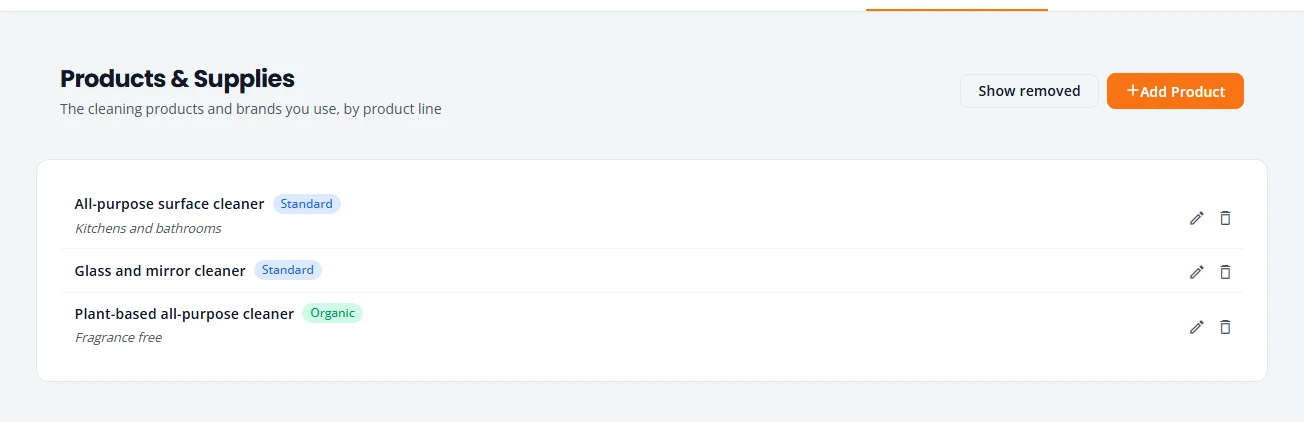
Use the pencil to edit a product and the bin to remove it. Show removed brings removed products back into view.
Put the product line on an estimate
- Build the estimate to the Pricing step.
- Under Products, set Product line to Organic or Standard.
The estimate then states the line in its scope of work, for example “Cleaning products: Standard product line”. Leave it at Not stated to say nothing.
How cleaning is priced
Your cleaning catalog lists services priced per room, per window, per square foot, per hour or each. Set the prices under Service Catalog, Pricing & Labor. See Service Catalog.
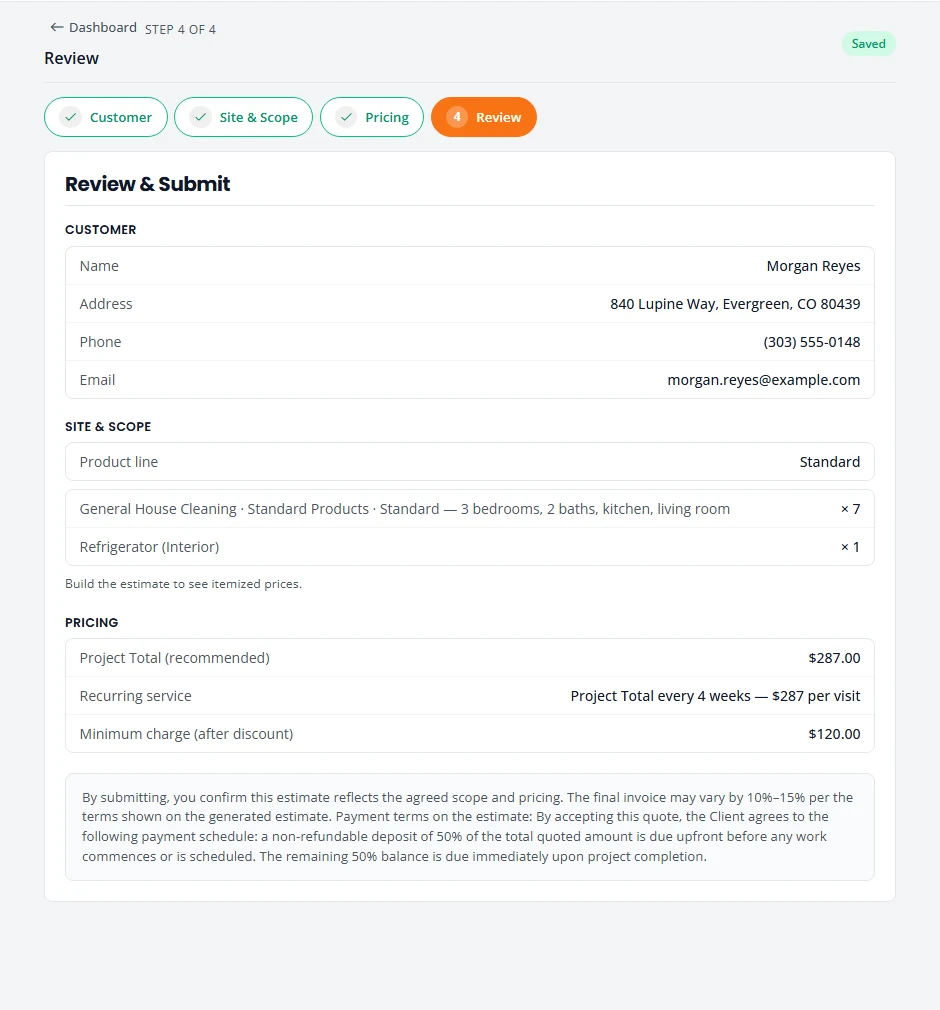
- Condition. Many services have a price for each condition: Light (Maintenance), Standard, Heavy and Deep. You choose the condition on the estimate, so a home that needs more work is priced for it.
- Type. General House Cleaning also has a type for the products used, such as Organic / Green Products or Standard Products. Each has its own price.
- Quantity. On the estimate, Qty is the number of rooms, windows, square feet or hours.
- Add-ons. Extras such as inside the oven or the refrigerator are their own services. Add a line for each.
Repeat cleans
Most cleaning customers are on a schedule. Quote the frequency on the estimate, then turn the signed job into a recurring schedule. Both steps are in Recurring service.
Stuck on something? Email support@structra.tech and tell us what you were trying to do.